01 / BUSINESS OWNERS
Review the period before setting priorities.
Compare recorded sales and purchasing, collections, and outstanding balances when the underlying data is available.
- Check period totals
- Review outstanding amounts
SOLUTIONS
Owners review results. Managers prepare product and supplier records. Operations staff handle customer and stock tasks, subject to role and configuration.
Explore the roles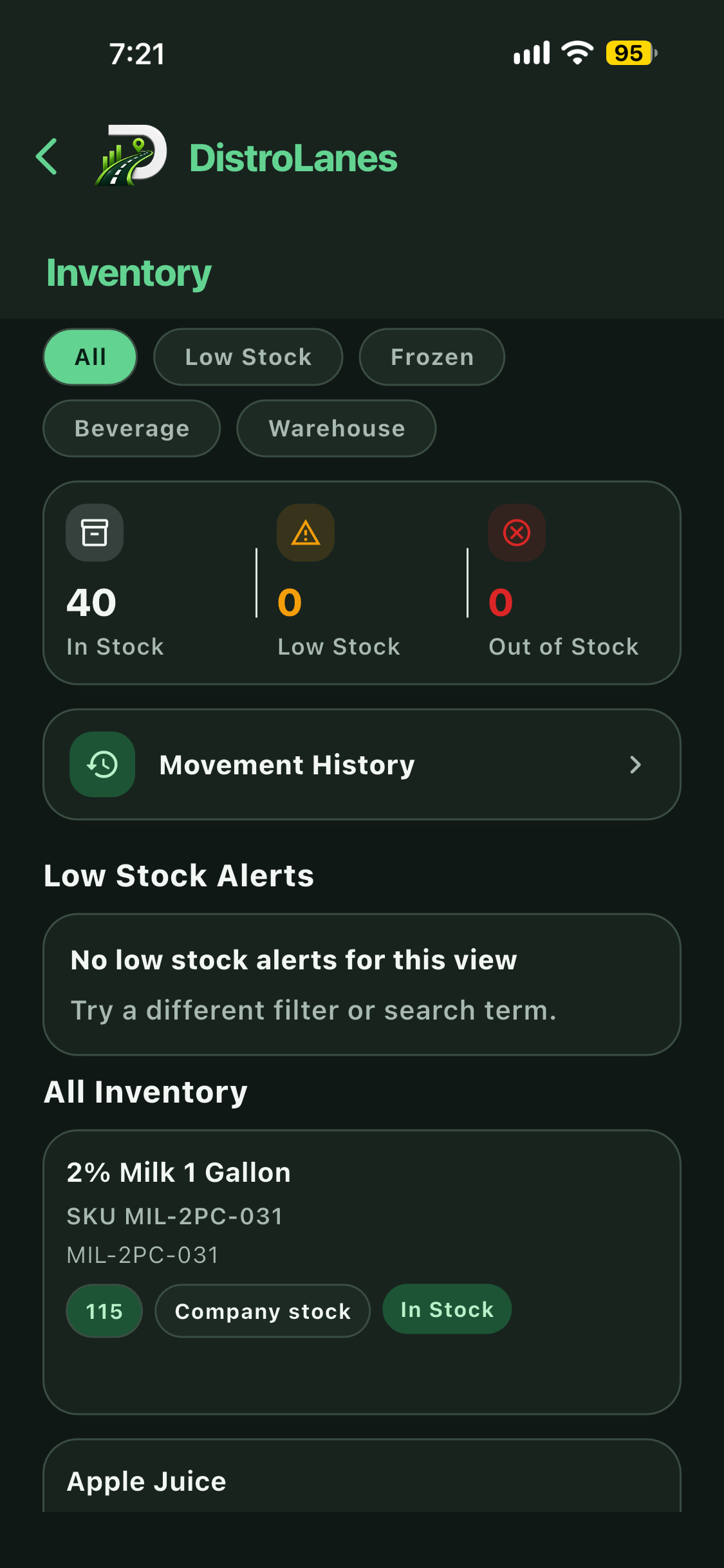
BY RESPONSIBILITY
Available screens and actions depend on company permissions and release configuration.
01 / BUSINESS OWNERS
Compare recorded sales and purchasing, collections, and outstanding balances when the underlying data is available.
02 / MANAGERS
With the right access, maintain product selling units and supplier details, then manage purchase orders and received quantities.
03 / OPERATIONS TEAMS
Depending on role, staff can create orders, issue invoices, record payments, and check stock levels and movement history.
PLAN YOUR ACCESS
We can discuss which roles and configuration fit your distribution operation.
Request Access